Guide / Getting started
Activate your license key
About 3 min
Pick a workspace and copy its key
In WorkspaceWorkspace switcher at the top of the sidebar, choose the workspace you'll use (personal or your organization), then copy the activation key from My license.
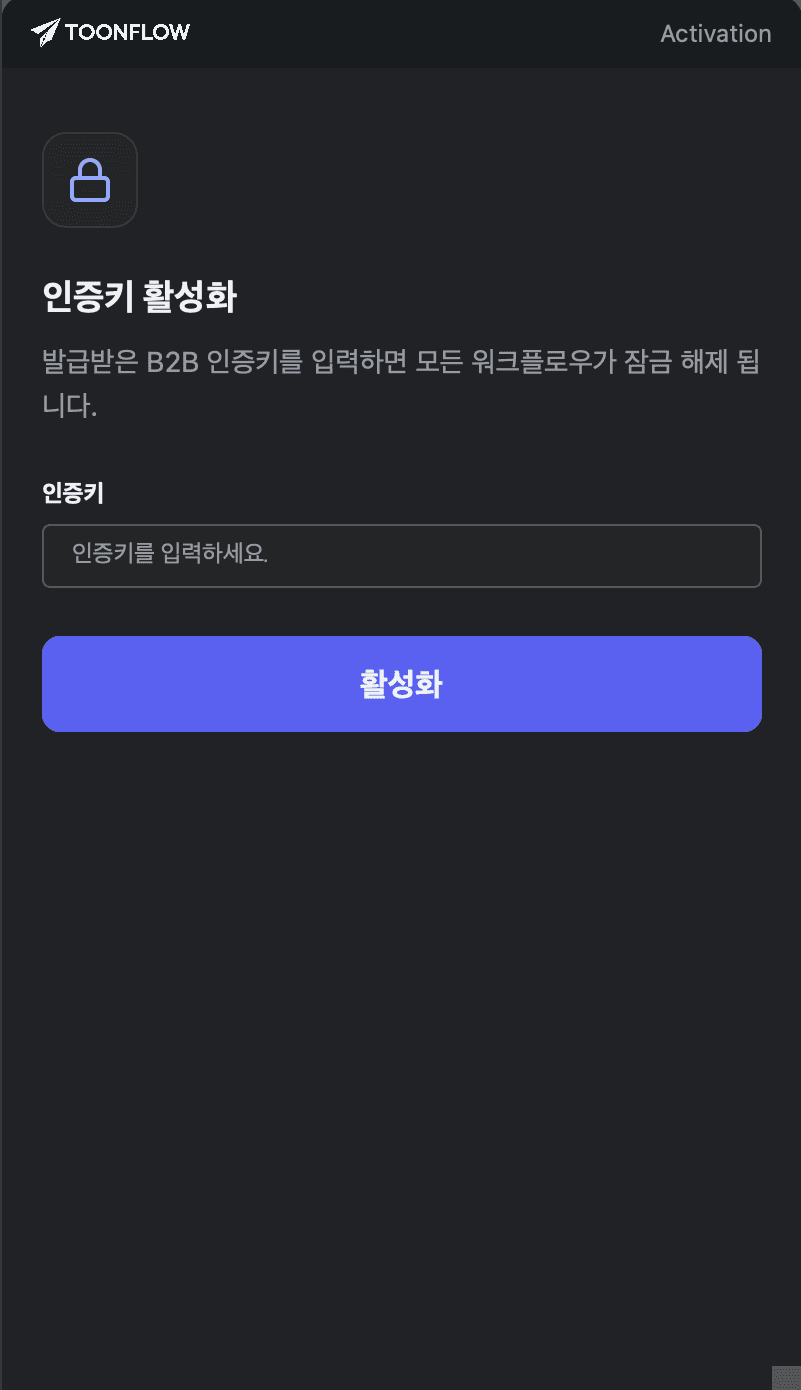
Activate in Photoshop
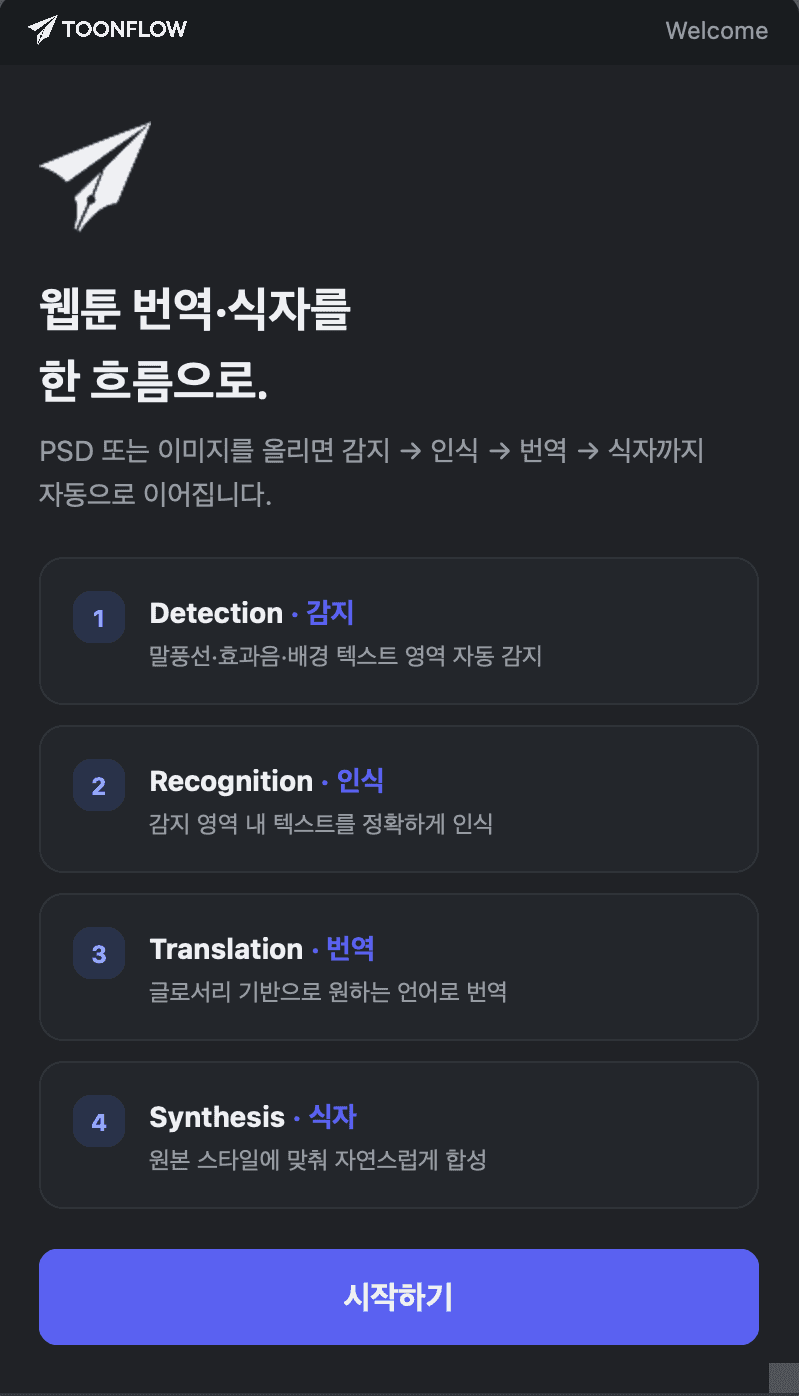
Launch Toonflow in Photoshop, paste the key you copied into the activation screen, and click Activate. On success it switches automatically to the pipeline overview screen.
Things to know about activation keys
Personal and organization workspaces use different keys, so pick the workspace you want in the plugin before copying its key. One key corresponds to one seat, and you can use the same key on several PCs at once. Credits are drawn from that workspace's balance no matter which PC you work on — if the key leaks, someone else can spend your credits, so don't share it.
If activation fails
① Check your network connection → ② Re-enter the key (watch for stray spaces) → ③ If it still fails, use Reissue key in My license and activate with the new key.